 LUMP Depot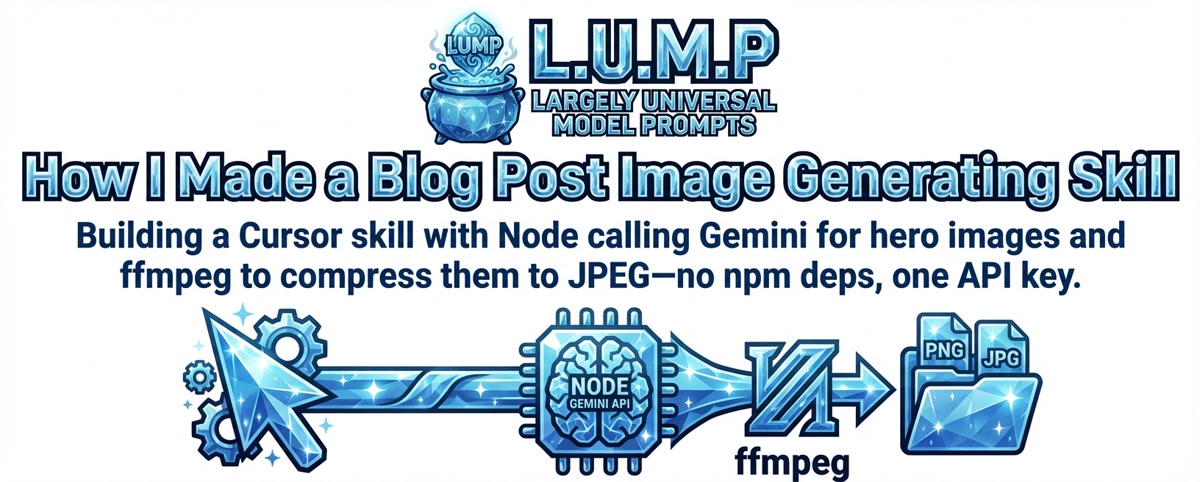
I wanted every post to have a hero image that matched the site's Crystalline Aesthetic—icy blues on black, faceted vector look—without hand-crafting a prompt each time. So I turned it into a Cursor skill: a SKILL.md that tells the agent when and how to run it, plus a small Node script that reads the post HTML, pulls title and body text, calls the Gemini API with a fixed style prompt, and saves the result into blog/images/ and patches the post (hero <img> plus og:image and twitter:image). No npm deps; just GEMINI_KEY in .env and Node 18+. The script uses built-in fetch to hit the Gemini image endpoint—you pass the post content, it returns a PNG, you write it to disk and patch the HTML.
The useful part was locking the aesthetic in the skill. The script sends the same Crystalline Aesthetic block every time and only varies the post content. That way the agent doesn't have to remember hex codes or "bold outlines" or "sparkle at vertices"—it just runs the skill and the script does the prompt engineering. If a post already has an image we skip unless you ask to regenerate. Keeps things consistent and repeatable.
For file size I added a separate step that runs ffmpeg over everything in blog/images/ that isn't already a JPG: convert to JPEG at 90% quality, update all the HTML refs, then remove the originals. One command after you've generated or regenerated images and the site serves smaller assets. No npm for that either—just ffmpeg on the PATH.
tl;dr: one skill, one Node script calling Gemini, one API key; optionally ffmpeg to compress. You say "add an image to this post" and the agent runs it. Same look every time, no fuss.